Understanding the Luxury Card Mockup for Professional Brand Presentation
In the competitive landscape of branding and graphic design, the presentation of a concept is often as critical as the concept itself. Designers frequently face the challenge of translating flat, two-dimensional vector files into tangible, three-dimensional representations that clients can visualize. This is where a Luxury Card Mockup becomes an essential tool in the workflow. It serves as a bridge between abstract creativity and physical reality, allowing professionals to showcase their work with a level of sophistication that standard templates simply cannot match.
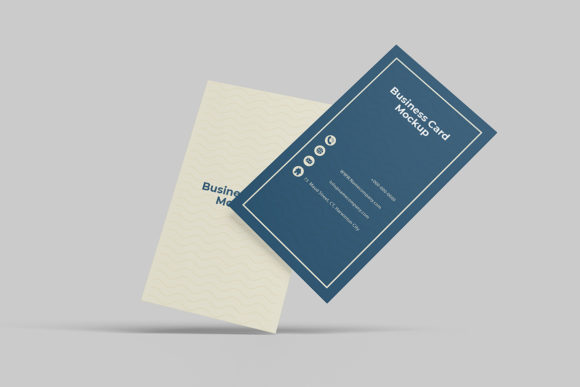
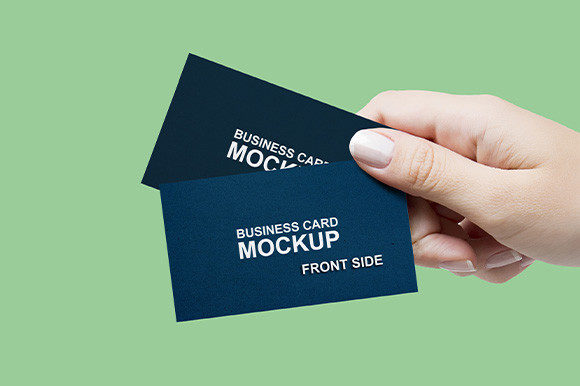
This resource is specifically engineered to provide a realistic 3D display of credit cards, business cards, or membership passes. Unlike generic placeholders, a high-quality mockup captures the nuances of lighting, texture, and material depth. By utilizing smart-object features within Adobe Photoshop, users can replace the current designs with their own artwork easily and quickly. The process is designed to be intuitive, ensuring that even those with limited technical expertise can achieve professional results within seconds. However, understanding the specific capabilities and limitations of this format is crucial before integrating it into your project pipeline.
Distinguishing Features of High-End Card Mockups
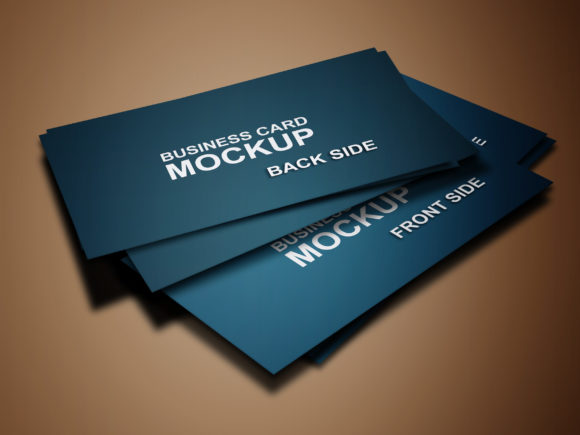
The term "luxury" in the context of digital mockups implies more than just aesthetic appeal; it refers to the fidelity of the simulation. A standard card template might show a flat image on a white background, but a Luxury Card Mockup simulates the way light interacts with different materials. Whether the design requires a matte finish, a glossy lamination, or a metallic foil stamping effect, the mockup's rendering engine handles these details automatically.
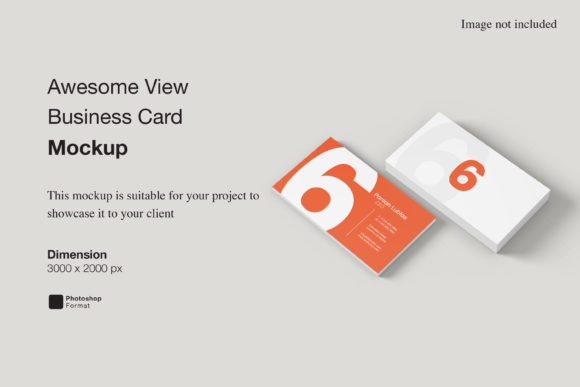
The technical specifications play a significant role in this realism. Available in PSD Photoshop format, the file typically offers a resolution of 300 dpi with dimensions of 3000x2000 pixels. This high resolution ensures that when the final image is printed or displayed on high-definition screens, the text remains crisp and the colors retain their vibrancy without pixelation. For designers working on print-ready assets, this resolution is non-negotiable.
One of the most distinct features is the changeable background-color option. In many scenarios, a client may need to see how a gold card looks against a dark navy background versus a soft cream backdrop. Instead of creating multiple versions of the design from scratch, the user can adjust the background layer instantly. This flexibility allows for rapid iteration during client meetings, where immediate visual feedback is often required to secure approval.
Comparative Analysis: Smart Objects vs. Static Templates
When evaluating resources for showcasing designs, the primary comparison lies between dynamic smart-object templates and static image files. A static template usually requires manual masking and complex layer adjustments every time a new design is introduced. This process is time-consuming and prone to errors, such as misalignment or distorted perspective.
In contrast, the Luxury Card Mockup leverages the power of smart objects. When you double-click the smart object layer, a separate window opens containing your original design. After making edits and saving the file, the main composition updates automatically. This feature eliminates the need for manual resizing or repositioning. The perspective distortion, shadows, and highlights remain perfectly aligned regardless of the design's aspect ratio.
This distinction is vital for professionals who handle high volumes of projects. While a static template might suffice for a one-off personal project, the efficiency gains offered by smart-object workflows become apparent in agency environments or freelance businesses. The ability to swap designs within seconds translates directly into billable hours saved, allowing designers to focus on creative strategy rather than technical execution.
Evaluating Use Cases and Decision Factors
Selecting the right visualization tool depends heavily on the specific goals of the project. A Luxury Card Mockup is particularly well-suited for industries where tactile quality and prestige are paramount. Financial institutions, law firms, luxury retail brands, and event planners often require visuals that convey exclusivity. In these contexts, a flat image may appear unprofessional, whereas a realistic 3D render suggests a premium product.
Consider a scenario where a designer is pitching a new corporate identity package. The presentation includes a logo, typography, and color palette. Adding a mockup of the business card brings the entire system together. It allows the client to imagine holding the card, feeling its weight, and seeing the brand in a real-world setting. This emotional connection is difficult to achieve with a simple PDF or JPEG preview.
However, there are tradeoffs to consider. The reliance on Adobe Photoshop means that access to this software is a prerequisite. Users without a license or familiarity with the interface may find the learning curve steep, despite the inclusion of a PDF help guide. Additionally, while the mockup provides a realistic view, it is still a simulation. It cannot replicate the exact feel of embossing or spot UV varnish unless the original design was created with those effects in mind. Designers must ensure their source files account for these elements to get an accurate representation.
Alternatives and Complementary Tools
While the Luxury Card Mockup excels in static presentations, other tools serve different purposes in the design ecosystem. For instance, if the goal is to demonstrate motion or animation, a video-based mockup or a 3D modeling software like Blender might be more appropriate. These tools allow for rotating views and interactive experiences that static images cannot provide.
Similarly, for web-based portfolios, some designers prefer lightweight HTML5 prototypes or online mockup generators. These platforms often run in a browser and do not require local installation. However, they often lack the granular control over lighting and texture that a native PSD file offers. The choice ultimately comes down to the desired output medium. If the final deliverable is a high-resolution print portfolio or a detailed pitch deck, the PSD format remains superior.
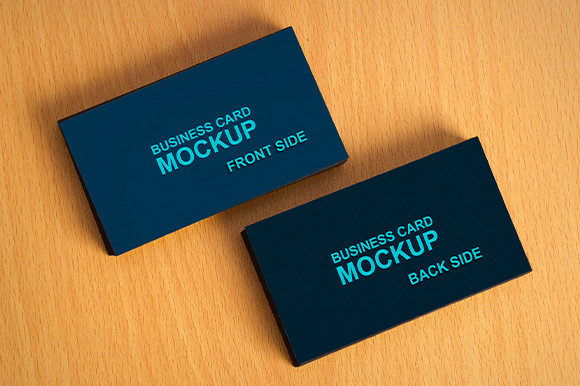
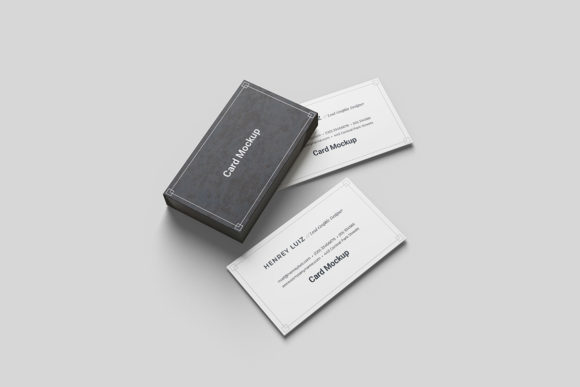
Another consideration is the variety of angles available. Some mockup packages offer only a single angle, while others provide multiple perspectives (front, back, angled, stacked). A Luxury Card Mockup typically focuses on a specific, high-quality angle that best showcases the front design. If a client needs to see the back of the card simultaneously, the designer may need to purchase a bundle that includes both sides or create a composite image manually.
Practical Application and Workflow Integration
To maximize the utility of this resource, it is important to understand the workflow integration. The process begins with preparing the design file. Since the mockup relies on smart objects, the input file should ideally be exported at the correct resolution to avoid upscaling artifacts. Once the design is placed into the smart object, the next step involves adjusting the lighting environment if the mockup supports it. Many advanced templates allow users to tweak the ambient light direction or intensity to match the mood of the brand.
The included PDF help guide serves as a safety net for troubleshooting common issues. It outlines how to navigate the layers panel, how to save changes correctly, and how to export the final result without losing quality. Ignoring these instructions can lead to flattened layers, which defeats the purpose of using a smart-object system. For teams collaborating on a project, clear documentation is essential to ensure that all members understand how to manipulate the file without breaking the structure.
It is also worth noting that photos used in the preview are not included in the download. These images are for illustration purposes only. This distinction is important for legal compliance and intellectual property rights. Designers must use their own photography or licensed stock images if they wish to create custom backgrounds, although the changeable background-color feature mitigates the need for external photography in many cases.
Final Considerations for Selection
Deciding whether to invest time and resources in a Luxury Card Mockup requires a balanced assessment of needs versus constraints. For professionals seeking to elevate their portfolio, streamline their presentation process, and communicate value effectively, the benefits are substantial. The combination of high resolution, smart-object functionality, and realistic rendering makes it a versatile asset.
Conversely, if the project requirements are minimal, such as a quick internal review or a low-stakes social media post, a simpler, free alternative might suffice. The key is to match the tool to the task. When the stakes are high and the impression must be flawless, the precision and polish of a dedicated luxury mockup justify the effort. By understanding the strengths, limitations, and proper usage of this format, designers can make informed decisions that enhance their professional output and client satisfaction.