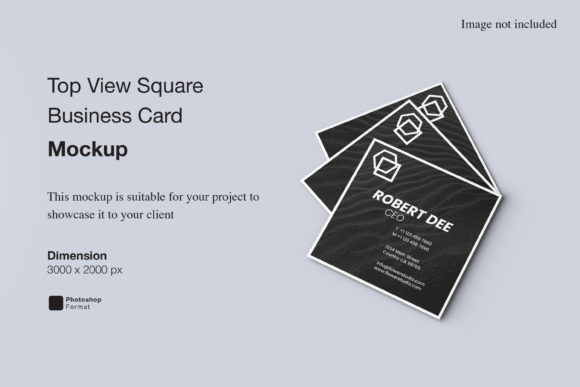
Business Card Corporate Mockup: Professional 3D Presentation
In the digital age, a physical business card remains one of the most tangible ways to make a first impression. However, for designers and entrepreneurs, the challenge often lies in presenting that design before it is ever printed. This is where a Business Card Corporate Mockup transforms from a simple template into an essential tool for professional storytelling. It bridges the gap between a flat digital file and a realistic, three-dimensional object that clients can visualize instantly.
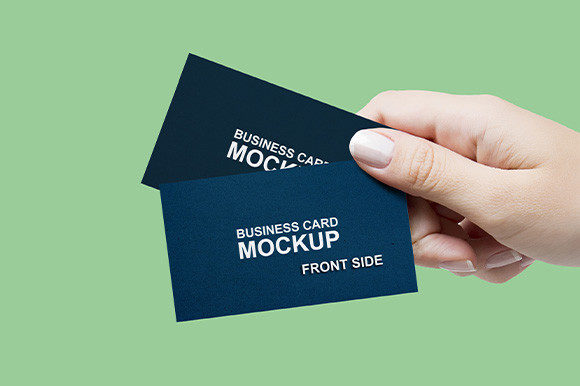
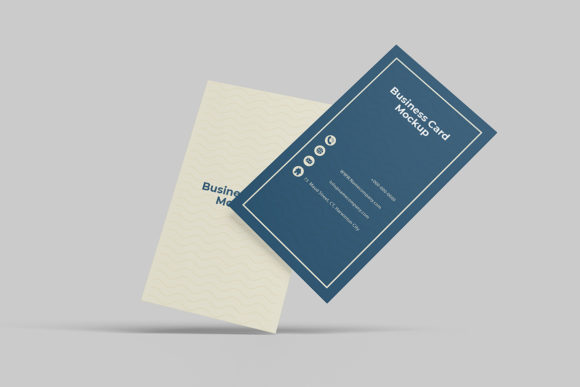
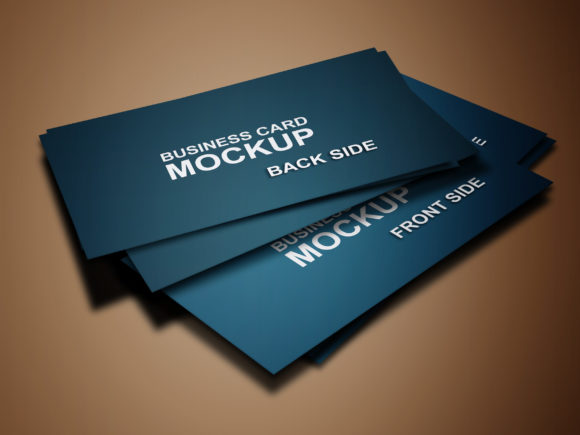
This specific mockup is designed to showcase your designs professionally in a realistic 3D display. It eliminates the guesswork of how a design looks on actual stock, lighting, and texture. Instead of imagining the final product, you see it. The ability to replace the design easily and quickly using smart-object features means you can iterate through multiple concepts without rebuilding the scene every time. Whether you are pitching to a corporate client or updating your portfolio, this tool ensures your work looks polished and ready for the real world.
Why Realistic 3D Displays Matter for Designers
Creativity is not just about generating ideas; it is about communicating them effectively. A flat image of a business card on a white background tells a story, but a photorealistic 3D render tells a narrative. When you present a Business Card Corporate Mockup, you are demonstrating attention to detail. You are showing that you understand how light interacts with paper textures, how shadows fall on edges, and how the card sits in a hand or on a desk.
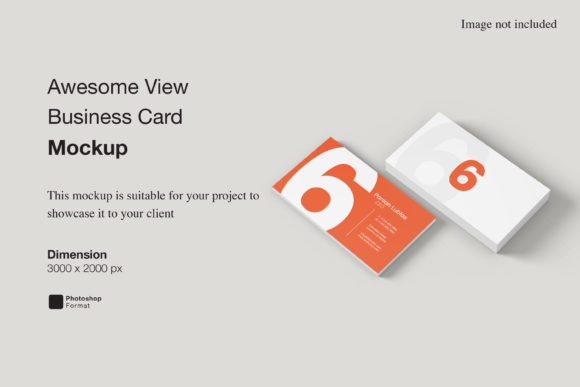
For freelancers and small business owners, this level of presentation builds trust. Clients need to feel confident that their brand will look as good in print as it does on their screen. By using a high-resolution tool like this, you remove the barrier between concept and reality. The 3000×2000 px size at 300 dpi ensures that even when zoomed in for a close-up shot on a website or social media post, the details remain crisp and sharp. There is no pixelation, no blurring, just a clear representation of quality.
Adapting the Tool for Different Creative Goals
The versatility of this mockup lies in its adaptability. While the core structure remains consistent, the creative possibilities are vast. Here is how different users can leverage these features for specific goals:
- Corporate Professionals: For lawyers, financial advisors, and executives, the goal is stability and trust. Use the mockup to present minimalist, clean designs with strong typography. The realistic shadowing adds weight to the brand, suggesting reliability.
- Creative Agencies & Freelancers: Your work needs to stand out. Experiment with bold colors and unique layouts. The changeable background-color feature allows you to match the card to your agency's branding or the specific campaign you are promoting.
- Startups & Entrepreneurs: When launching a new product, you need to show the team vision. Create variations of the card for different departments or roles within the company to visualize the entire ecosystem.
- Educators & Students: Use this as a teaching aid to explain printing standards, bleed areas, and color profiles. Seeing the design in 3D helps students understand the physical constraints of print design.
The key to success is consistency. Whether you are designing for a tech startup or a non-profit, the mockup should reflect the tone of the organization. If your brand is playful, avoid stiff, dark backgrounds. If the brand is serious, opt for neutral tones that let the design speak for itself.
Mastering the Workflow with Smart Objects
One of the most frustrating aspects of graphic design is the repetitive nature of tweaking files. Imagine creating five different versions of a business card, only to have to manually place each one into a separate Photoshop layer. That is why the smart-object features in this PSD format are a game-changer. They streamline the workflow, allowing you to focus on creativity rather than technical setup.
To use this tool effectively, simply double-click the smart-object layer. This opens the embedded design file where you can paste your artwork. Once saved, the changes automatically update in the main 3D scene. This process takes seconds, not minutes. It encourages experimentation. You might start with a standard layout, then try a vertical orientation, and finally test a die-cut shape. Because the process is so fast, you are more likely to explore options you would otherwise skip due to time constraints.
Furthermore, the ability to change the background color independently of the card design offers immense flexibility. You can create a series of images for a marketing campaign where the background shifts from warm orange to cool blue, while the card remains constant. This consistency helps reinforce brand identity across different platforms, whether it is a LinkedIn banner, an Instagram story, or a presentation slide.
Practical Applications and Project Ideas
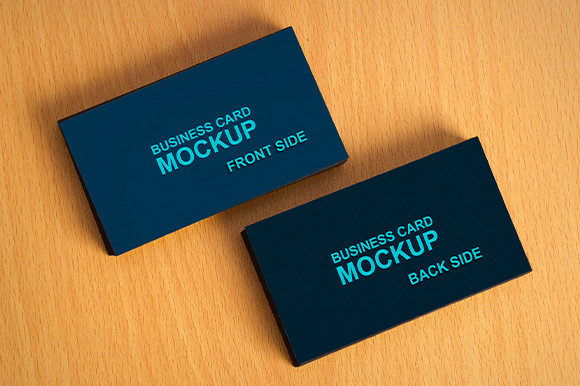
Let's look at some concrete ways to apply this tool beyond a simple portfolio piece. Consider a scenario where you are rebranding a local coffee shop. You could create a mockup showing the cards resting on a wooden table next to a steaming cup of coffee. Then, swap the background to a sleek, modern office setting to show how the same card fits a corporate partnership context. These variations tell a complete story about the brand's versatility.
Another powerful use case is for pitch decks. When presenting to investors, visual impact is crucial. Instead of showing a JPEG of a logo, embed the Business Card Corporate Mockup directly into your slides. The 3D effect draws the eye and makes the proposal feel more substantial. It signals that you have thought about the physical execution of the brand, not just the digital logo.
For bloggers and content creators, these mockups serve as high-quality featured images. A generic screenshot of a design file rarely performs well on social media. A beautifully rendered image of a business card in a stylish environment, however, stops the scroll. It invites engagement and shares the excitement of the design process.
Maintaining Quality and Originality
While tools like this make creation easier, they do not guarantee a great result on their own. The responsibility lies with the user to ensure the final output is clear, effective, and original. Start by ensuring your source design meets the 300 dpi requirement. If you upload a low-resolution image into the smart object, the final 3D render will suffer, regardless of the mockup's quality.
Be mindful of the lighting and shadows in your composition. Even though the mockup handles the heavy lifting, placing your design incorrectly can break the illusion. Ensure that the perspective aligns with the card's orientation. If the card is angled, your text should follow that angle naturally. Avoid cluttering the scene with too many elements. Let the business card be the hero of the image.
Finally, keep your audience in mind. Are you showing this to a printer? Focus on color accuracy and edge details. Are you showing this to a potential client? Focus on the overall aesthetic and emotional appeal. Tailoring the presentation to the viewer's needs demonstrates professionalism and strategic thinking. A Business Card Corporate Mockup is more than just a file; it is a canvas for your professional identity.
By combining the technical ease of smart objects with thoughtful design choices, you can elevate your work from a simple digital file to a compelling visual asset. Whether you are a seasoned designer or just starting your journey, this tool provides the foundation you need to present your best work with confidence and clarity.