Stylish Computer Mockup: The Professional Workflow Essential
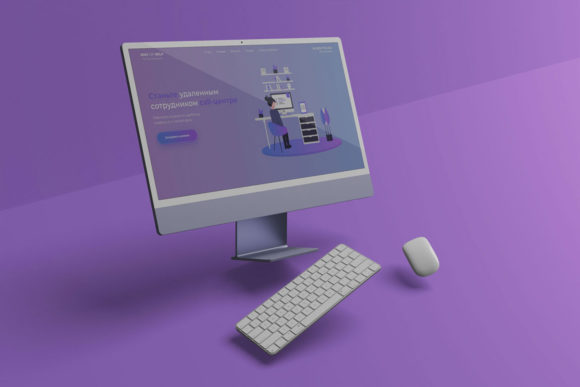
In the modern digital landscape, the presentation of a design is often just as critical as the design itself. Whether you are a freelance graphic designer pitching to a client, a marketing agency preparing a campaign deck, or an entrepreneur showcasing a new app interface, the context in which your work is viewed dictates its perceived value. This is where the Stylish Computer Mockup becomes an indispensable asset. It serves as more than a simple template; it acts as a bridge between abstract creative concepts and tangible, realistic 3D displays that resonate with stakeholders.
The core functionality of this tool lies in its ability to transform flat files into high-fidelity presentations instantly. By utilizing advanced smart-object features within Adobe Photoshop, users can replace current designs with their own creations within seconds. This efficiency is crucial for professionals who need to iterate quickly without sacrificing visual quality. The mockup is available in PSD format, ensuring compatibility with industry-standard software, and includes a PDF help guide to streamline the onboarding process for both beginners and seasoned veterans.
Integrating the Mockup into Your Creative Process
To understand the true utility of the Stylish Computer Mockup, one must view it through the lens of a broader workflow rather than as an isolated task. In a typical project lifecycle, there are distinct phases: planning, execution, review, and delivery. This tool finds its most significant application during the execution and delivery stages, yet its impact ripples back to the planning phase by influencing how ideas are conceptualized.
During the initial planning stages, designers often struggle to visualize how a flat UI or branding element will look in a real-world setting. A static image on a screen lacks depth and context. By incorporating the Stylish Computer Mockup early in the process, teams can make informed decisions about color palettes, typography, and layout adjustments before finalizing the production assets. For instance, a web developer might use the mockup to demonstrate how a landing page renders on a monitor with specific lighting conditions, allowing for immediate feedback on contrast and readability.
The integration extends beyond the design phase into client interactions. When presenting a proposal, the difference between showing a JPEG file and displaying a realistic 3D render is substantial. The mockup provides a professional veneer that elevates the perceived effort and expertise behind the work. This psychological advantage can be the deciding factor in securing a contract or gaining approval for a budget increase. The ability to showcase designs professionally in a realistic 3D display transforms a simple submission into a compelling narrative.
Technical Implementation and Usability
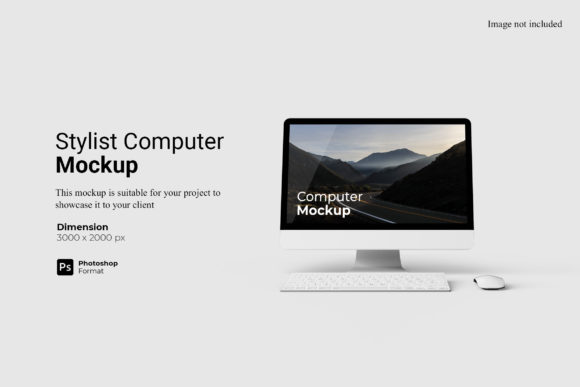
While the concept of using a mockup is straightforward, the technical implementation requires attention to detail to ensure seamless results. The Stylish Computer Mockup is engineered with specific parameters to maintain high standards of output. The resolution is set at 300 dpi with dimensions of 3000x2000 px, providing ample space for detailed scrutiny without pixelation. This specification is vital for print-ready materials as well as high-resolution digital displays, ensuring consistency across various media channels.
The primary mechanism for customization is the smart-object feature. This technology allows for non-destructive editing, meaning the original structure of the mockup remains intact while the content is swapped out. To utilize this effectively, users simply double-click the designated layer in the Photoshop workspace. This action opens a separate window where the user's design can be pasted, saved, and then automatically applied to the main document. This process eliminates the manual scaling, warping, and shadowing that would otherwise be required, saving hours of repetitive labor.
Furthermore, the inclusion of a changeable background-color feature adds another layer of flexibility. Different contexts demand different atmospheres. A sleek black background might suit a gaming application, while a clean white or soft gray environment is better for corporate branding tools. Being able to adjust these elements quickly allows creators to tailor the presentation to the specific audience or platform without needing to recreate the entire scene. This adaptability is essential for marketers who may need to generate multiple variations of a single design for A/B testing or different social media channels.
Strategic Use Cases Across Industries
The versatility of the Stylish Computer Mockup makes it relevant across a wide spectrum of professions. For educators and bloggers, it offers a way to illustrate course materials or blog posts with visual flair. Instead of embedding plain screenshots, instructors can present lesson plans or articles within a realistic computer frame, making the content more engaging for students or readers.
Small business owners and freelancers benefit significantly from the time-saving aspects of the tool. In a competitive market, speed and professionalism are key. The ability to generate high-quality visuals in seconds means that a freelancer can respond to urgent client requests without compromising on quality. This efficiency directly translates to higher productivity and the capacity to take on more projects. Additionally, the consistent quality provided by the mockup helps build a strong brand identity, ensuring that all deliverables look cohesive regardless of the specific project.
For publishers and agencies, the mockup serves as a standardization tool. It ensures that every piece of collateral, from internal reports to external advertisements, adheres to a unified visual language. This consistency reduces cognitive load for the audience, allowing them to focus on the message rather than being distracted by inconsistent formatting. The use of such tools fosters a culture of quality control, where the bar for visual excellence is raised and maintained throughout the organization.
Optimizing Workflow Efficiency
Efficiency is not merely about working faster; it is about working smarter. The Stylish Computer Mockup optimizes workflows by removing friction points associated with manual editing. Traditional methods of placing a design onto a device model involve complex masking, perspective adjustments, and blending modes. These steps are prone to human error and can lead to inconsistencies if not executed perfectly every time. By automating these processes through smart objects, the risk of error is minimized, and the focus shifts back to creativity.
Organization is another critical factor when managing multiple projects. With the mockup's easy-to-use structure, designers can create libraries of pre-configured scenes. They can save variations of backgrounds, lighting, and angles as presets, allowing for rapid deployment when starting a new project. This systematic approach prevents the chaos of disorganized files and ensures that resources are readily available when needed. It also facilitates collaboration, as team members can easily understand and modify the mockup files without needing deep technical knowledge of Photoshop's underlying mechanics.
Long-term use of such tools contributes to a sustainable creative practice. As the industry evolves, the demand for high-quality, realistic presentations will only increase. Investing time in mastering tools like the Stylish Computer Mockup pays dividends over the lifespan of a career. It establishes a foundation of competence that allows professionals to adapt to new technologies and trends with confidence. The skills learned in organizing layers, managing smart objects, and understanding resolution requirements are transferable to other software and formats, enhancing overall digital literacy.
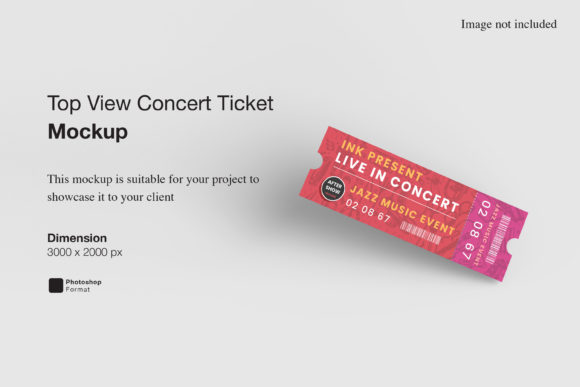
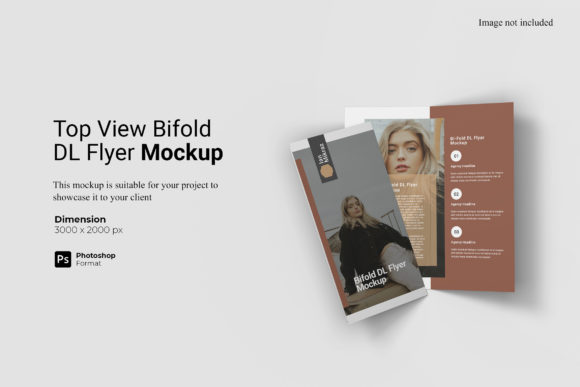
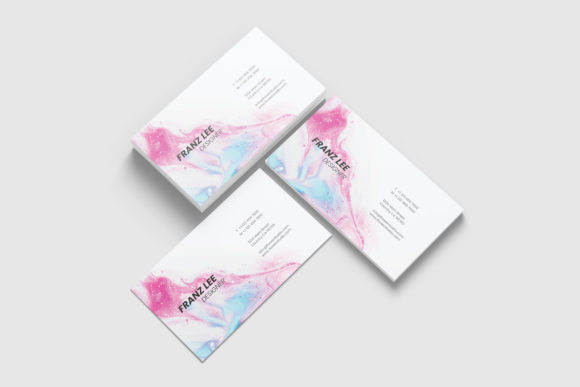
It is important to note that while the photos used in preview images are for illustration purposes only, the actual product provides a robust framework for creating unique content. Users should avoid relying solely on stock imagery and instead focus on integrating their own original designs to maximize the value of the mockup. This ensures that the final output is authentic and truly represents the creator's vision.
Maintaining Quality and Consistency
Quality control is the backbone of any successful design operation. The Stylish Computer Mockup supports this requirement by offering a standardized template that guarantees a minimum level of visual fidelity. However, maintaining this quality requires discipline. Users must ensure that their imported designs match the aspect ratio and resolution of the smart object to prevent distortion. Regular checks of the final output against the original source files help catch any discrepancies early in the process.
Consistency also involves the careful selection of backgrounds and environmental settings. While the tool allows for changeable colors, it is advisable to stick to a curated palette that aligns with the brand guidelines or the project's thematic requirements. Randomly changing colors for every project can dilute the brand identity and confuse the audience. Strategic use of the background options enhances the design rather than distracting from it.
In conclusion, the Stylish Computer Mockup is a powerful instrument for anyone looking to elevate their professional presentation. Its combination of ease of use, high resolution, and flexible features makes it suitable for a diverse range of applications. By integrating this tool into their workflow, professionals can streamline their processes, enhance their communication with clients, and ultimately produce work that stands out in a crowded digital marketplace. The transition from flat design to realistic 3D display is no longer a luxury but a necessity for those aiming to succeed in today's visual economy.